
Published on Thursday, June 5, 2025
How to Use Environment Variables in Next.js
Posted by
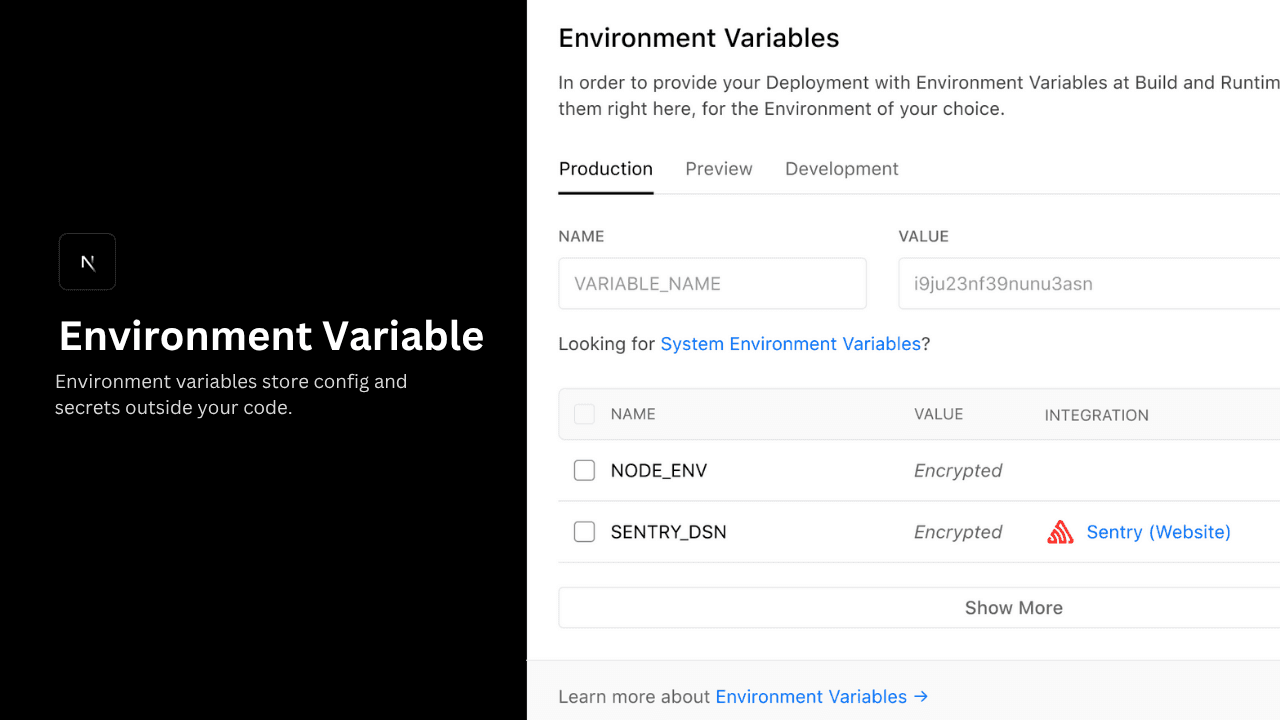
Video Tutorial
Introduction
Environment variables help you manage configuration and secrets (like API keys) without hardcoding them into your codebase. Next.js has built-in support for using .env files securely and efficiently.
What Are Environment Variables?
They’re simple KEY=value pairs stored outside your source code.
API_KEY=super-secret-key
Use them in your app like this:
const key = process.env.API_KEY;
Supported .env Files in Next.js
| File | Purpose |
|---|---|
.env | Default (shared across all envs) |
.env.local | Local overrides (ignored by Git) |
.env.development, .env.production, .env.test | Environment-specific |
.env.development.local | Local dev-only overrides |
Tip:
.env.local is automatically added to .gitignore when you create a Next.js app — keeping secrets safe.
Server vs. Client Variables
1. Server-Only Variables (Safe for Secrets)
Environment variables without the NEXT_PUBLIC_ prefix are only available on the server — perfect for secrets like database credentials.
DATABASE_URL=postgres://user:pass@localhost
// (server component)

export default function Home() {
  const dbUrl = process.env.DATABASE_URL;
  console.log(dbUrl); // ✅ Safe: only runs on server

  return <main>Welcome</main>;
}
Client-Side Variables (NEXT_PUBLIC_)
To expose variables to the browser, prefix them with NEXT_PUBLIC_:
NEXT_PUBLIC_API_URL="https://api.example.com"
// (client component)
'use client';

export default function Home() {
  console.log(process.env.NEXT_PUBLIC_API_URL); // ✅ Accessible in browser

  return <main>Hello from the client!</main>;
}
Important:
Never use NEXT_PUBLIC_ for secrets like tokens or passwords. These values are bundled and exposed in your JavaScript.
Referencing Other Variables
Next.js lets you reference one variable inside another using $VARIABLE.
USERNAME=sikandar
PROFILE_URL=https://example.com/$USERNAME
console.log(process.env.PROFILE_URL);
// Output: https://example.com/sikandar
Tip:
To include a literal $, escape it like this: \$.
Build-Time vs Runtime Variables
1. Build-Time (For NEXT_PUBLIC_)
Variables prefixed with NEXT_PUBLIC_ are inlined during build. Their values are fixed in the final JavaScript bundle.
NEXT_PUBLIC_ANALYTICS_ID="abc123"
import { setupAnalytics } from '@/lib/analytics';

setupAnalytics(process.env.NEXT_PUBLIC_ANALYTICS_ID); // Replaced at build time
Tip:
Changing these values post-deployment requires rebuilding the app.
2. Runtime (For Server Variables)
Non-NEXT_PUBLIC_ variables like DATABASE_URL are read at runtime and are ideal for server-side logic (API routes, SSR, etc.).
DATABASE_URL=postgres://user:pass@localhost
export default function handler(req, res) {
  const dbUrl = process.env.DATABASE_URL;
  res.status(200).json({ dbUrl });
}
Environment Variable Load Order
Environment variables are looked up in the following places, in order, stopping once the variable is found.
process.env.env.$(NODE_ENV).local.env.local(Not checked when NODE_ENV is test.).env.$(NODE_ENV).env
Good to know:
The allowed values for NODE_ENV are production, development and test.
Good to know
- Store secrets in
.env.local(auto-ignored byGit). - Use
NEXT_PUBLIC_only for safe, non-sensitive client-side values. - Keep
.env*files in your project root directory. - Rebuild when changing
NEXT_PUBLIC_values.
Conclusion
Next.js simplifies environment variable management by supporting multiple .env formats, handling server/client separation, and offering clean integration for all environments.
Use this flexibility to keep your app secure, maintainable, and deploy-ready.