
Published on Monday, March 31, 2025
PostgreSQL + Next.js + Drizzle ORM
Posted by
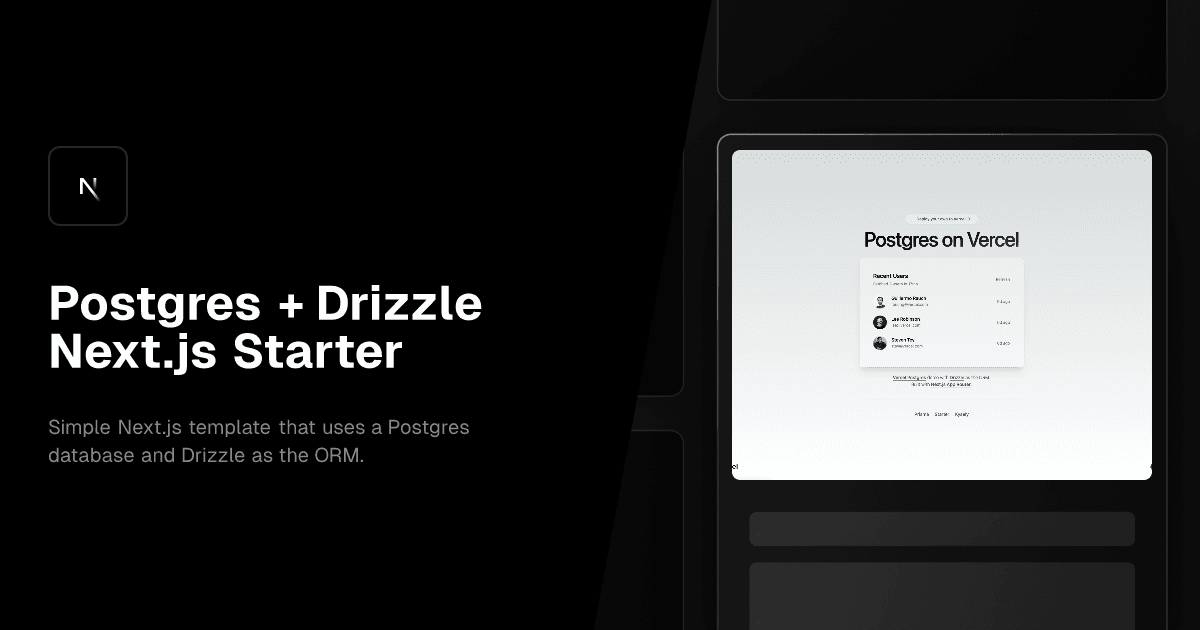
Video Tutorial
Introduction
Managing databases in a Next.js application can be challenging, but Drizzle ORM simplifies the process. It offers a type-safe, lightweight, and modern alternative to traditional ORMs. In this guide, we’ll integrate Drizzle ORM with Next.js and PostgreSQL for seamless database management.
Why Drizzle ORM?
Drizzle ORM is designed for performance and developer experience. It provides:
- Type Safety: Fully supports TypeScript.
- Lightweight & Fast: Minimal dependencies, high efficiency.
- Easy Migrations: Schema-based, CLI-driven migrations.
- SQL-like Syntax: Intuitive and flexible queries.
- Database Panel: Built-in visual database management with Drizzle Studio.
Installation
Run the following command to install the required packages:
npm install drizzle-orm @vercel/postgres pg
npm install -D drizzle-kit
Configure Database Connection
Create a .env.local file and add your PostgreSQL connection string:
DATABASE_URL=postgresql://user:password@localhost:5432/mydatabase
Create Drizzle Config File
Create a drizzle.config.ts file at the root of your project:
import { defineConfig } from 'drizzle-kit'

export default defineConfig({
  strict: true,
  verbose: true,
  out: "./drizzle",
  dialect: "postgresql",
  schema: "./src/db/schema.ts",
  dbCredentials: {
    url: process.env.DATABASE_URL!,
  }
});
Create a DB Instance
Create a db.ts file to set up the database connection:
import { Pool } from "pg"
import { drizzle } from "drizzle-orm/node-postgres"

const pool = new Pool({
  connectionString: process.env.DATABASE_URL!,
});

export const db = drizzle(pool)
Define Your Schema
Create a schema.ts file to define your tables:
import { pgTable, serial, text } from 'drizzle-orm/pg-core';

export const users = pgTable('users', {
  id: serial('id').primaryKey(),
  name: text('name').notNull(),
  email: text('email').unique().notNull(),
});
Run Migrations
Generate and apply migrations using Drizzle Kit:
npx drizzle-kit generate
npx drizzle-kit push
Tips:
You can also see the database panel in Drizzle ORM using this command:
npx drizzle-kit studio
Query the Database
Use Drizzle ORM for simple database operations:
import { db } from '@/db';
import { users } from '@/db/schema';

async function getUsers() {
  return await db.select().from(users);
}
Conclusion
Drizzle ORM makes Next.js and PostgreSQL integration simple, efficient, and type-safe. With minimal setup and powerful query capabilities, it's an excellent choice for modern web applications. Follow this guide to streamline your database workflow and improve development efficiency!