
Published on Thursday, June 5, 2025
Using @next/env in Your Next.js Project
Posted by
Video Tutorial
Introduction
Next.js automatically loads environment variables from .env files. But sometimes, you may need to access these variables outside the Next.js runtime — like in configuration files, scripts, or test setups.
That’s where @next/env comes in. It’s a small utility that gives you the same .env loading behavior Next.js uses internally — anywhere in your project.
Why Would I Need @next/env?
Next.js loads .env files automatically — but only during next dev, next build, or next start.
You might need @next/env when:
- Database config files (
prisma/schema.prisma,typeorm.config.ts,drizzle.config.ts) - Test setups (
Jest/Cypressglobal config) - CLI tools or scripts (e.g.,
seeders,migrations)
By using @next/env, you ensure consistent environment behavior, just like Next.js does internally.
Installation
Install the package from npm:
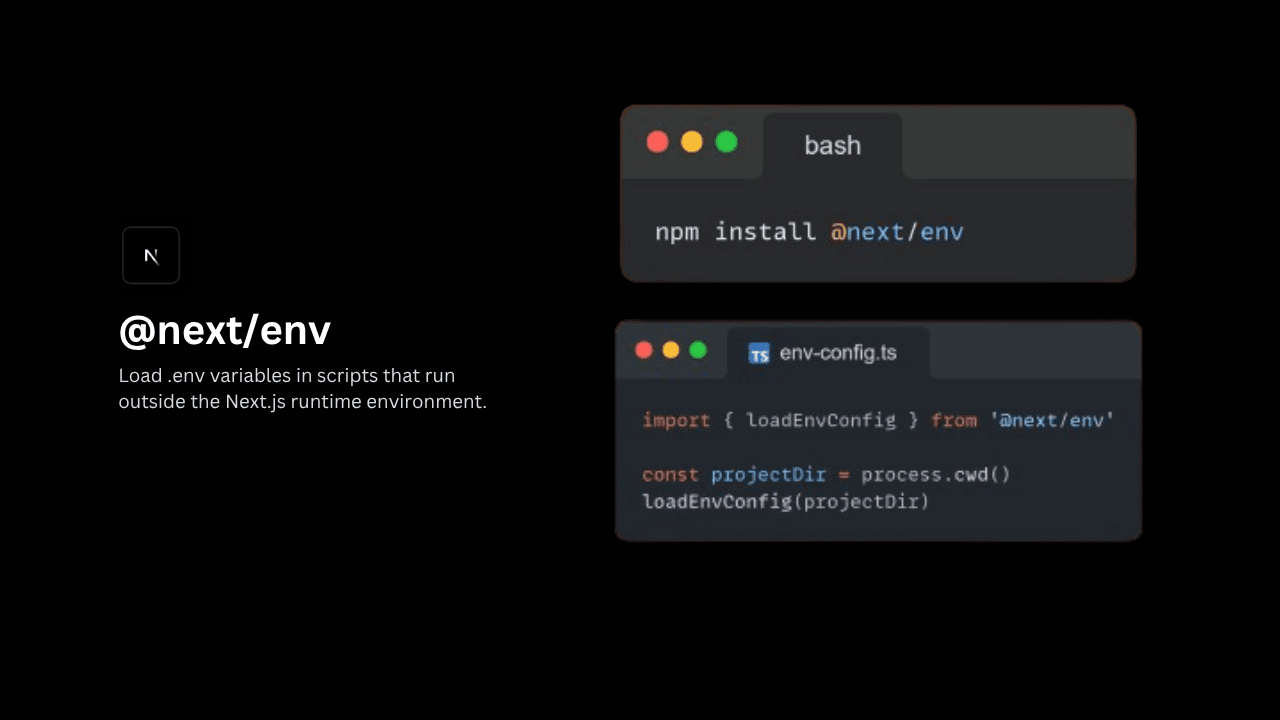
npm install @next/env
Usage
import { loadEnvConfig } from '@next/env'

const projectDir = process.cwd()
loadEnvConfig(projectDir)
Then, you can import the configuration where needed. For example:
import './env-config'

export default defineConfig({
  dbCredentials: {
    connectionString: process.env.DATABASE_URL!,
  },
})
Conclusion
The @next/env package is a simple yet powerful tool for loading .env files outside the Next.js runtime. Whether you're running custom scripts, database migrations, or tests, it ensures your environment variables are always available when you need them.
By adding @next/env to your toolkit, you can confidently manage configuration across your entire project — not just within Next.js.